What the listing confirms
The official Roblox description says treadmill training raises Speed. It also lists treadmill and base upgrades as part of the progression loop. It does not specify the treadmill location, controls, training rate, upgrade cost, or area thresholds.
Read the prompt and counter in your server
Use the treadmill sign and your live HUD as the source for the next action. A sampled creator video shows an upgrade sign and a separate training HUD; those frames document one session.
- Approach the treadmill and read the interaction or upgrade prompt displayed by your server.
- Check the current level and amount before confirming an upgrade.
- Train, then watch your own Speed counter to see what changed.
- When an area blocks progress, read its displayed condition instead of relying on a number from a video.
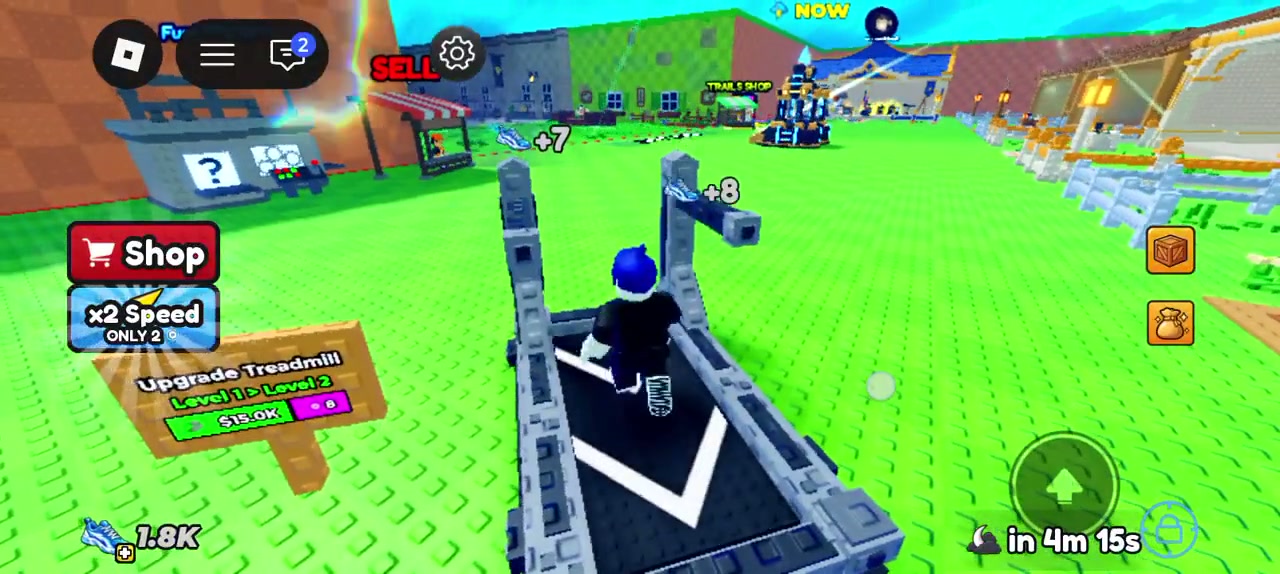
Treat the recorded upgrade amount as a snapshot
At 00:03:02 in the same video, a sign reads Upgrade Treadmill Level 1 > Level 2 beside $15.0K. The clip was uploaded Sep 23, 2026 and has no game build number. Check the amount displayed in your own server before buying.
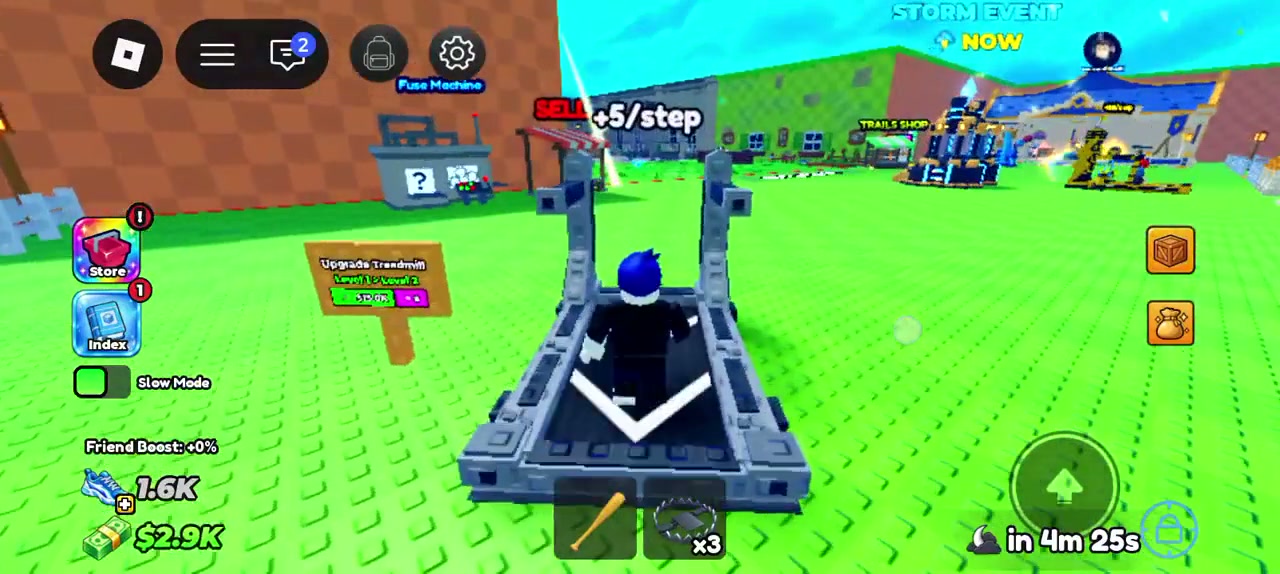
No universal Speed threshold is verified here
The public description says Speed helps players reach richer areas without naming areas or requirements. The sampled videos show personal HUD states. Use the condition shown at the entrance in your current server.
Guide notes
Open the treadmill prompt in your server
Read the current level and displayed cost
Train and watch the live Speed counter
Check area requirements on the current route
Treat video values as one recorded session
Sources and observations
- Official Roblox experience page
Official progression description checked Sep 27, 2026.
- Roblox_max1 gameplay video at 00:03:02
Recorded treadmill upgrade sign and displayed amount. Upload date Sep 23, 2026.
- Roblox_max1 gameplay video at 00:03:11
Recorded treadmill markers and HUD state.