Start with the listed loop
See how crates, treasures, base upgrades, treadmill training, and richer areas fit together.
A practical starting point for crate runs, treadmill Speed, richer areas, and the treasure you bring back to your base.

The official experience listing describes stealing crates, collecting treasures, building and decorating a base, upgrading the treadmill or base, training for Speed, and reaching richer areas.
The listing leaves controls, area names, Speed requirements, crate contents, and income details open. These six pages separate official description details from screen observations tied to a specific creator recording.
Open the crate interaction guide →See how crates, treasures, base upgrades, treadmill training, and richer areas fit together.
Search guide titles, categories, and tags, then filter the resource list.
Keep a local list of guides in this browser and return to them later.
Review the recorded E Steal and E Open Crate prompts with their video timestamps.
Video HUD values belong to the shown player session and do not set universal requirements.
For controls, prices, and access conditions, follow the prompt displayed in your live server.
Each guide connects practical next steps to official listing details or a timestamped creator video.
6 guides to explore
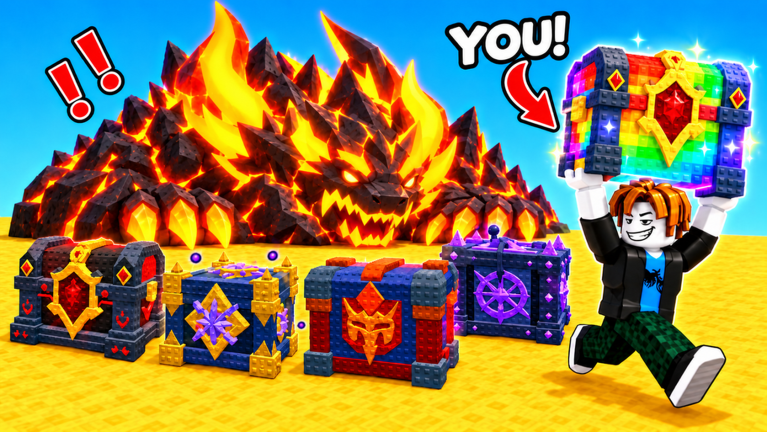
Follow the official crate, treasure, base, treadmill, Speed, and richer area loop, then choose a next step from your current screen.
Read Guide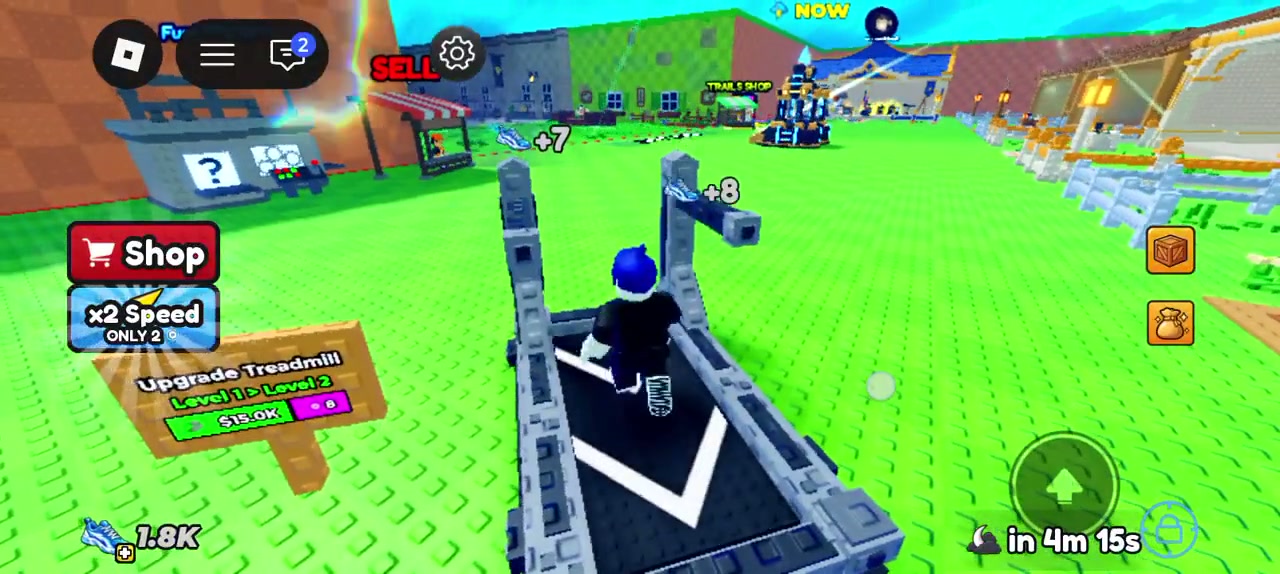
What the official listing confirms about treadmill training, how to read sampled treadmill screens, and which details still need a live check.
Read GuideUse the official Speed progression loop and a repeatable in-server check to find your next reachable area without relying on an unverified gate number.
Read Guide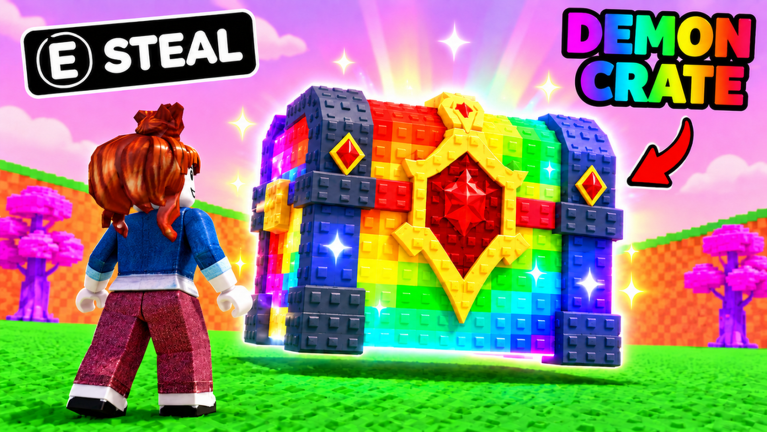
A short walkthrough of the crate prompts visible in a sampled PC video, with the return route and capture rules left for an in-game check.
Read Guide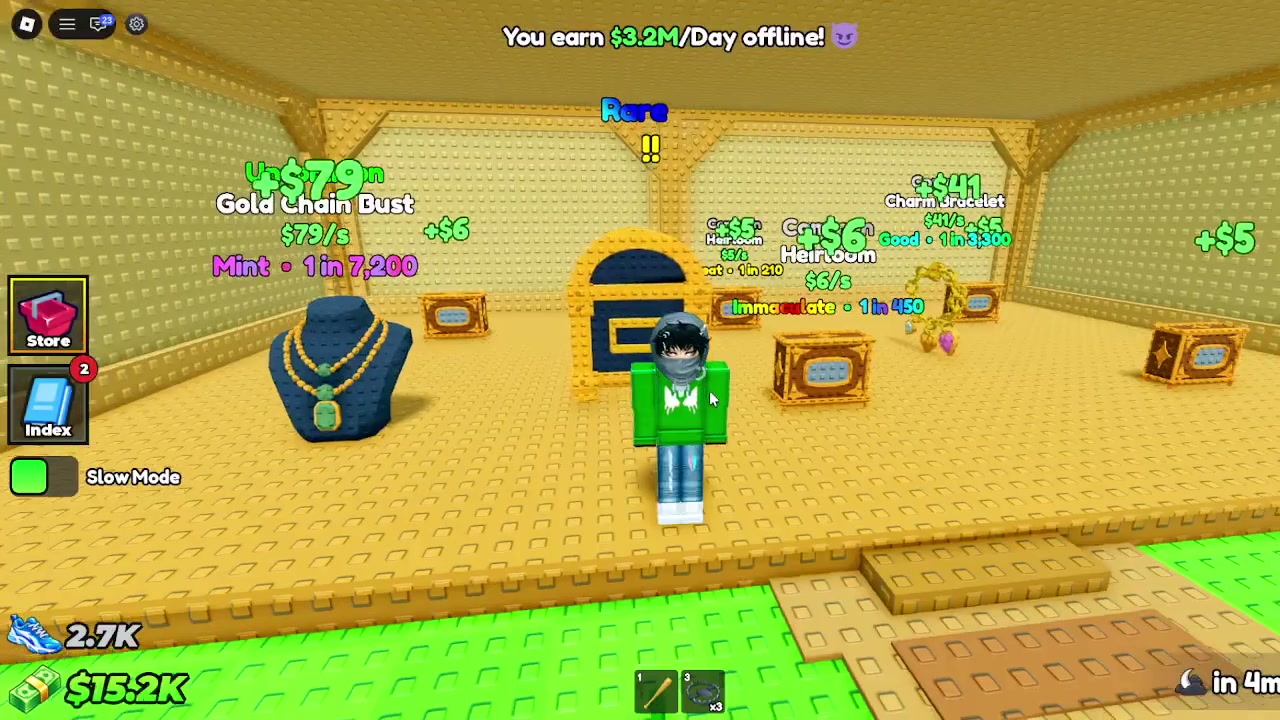
Understand what the official listing says about treasures and bases, and how to read one player's recorded item and offline income panel.
Read GuideUse one recorded base screen to separate item names, per-second display values, and the extra labels shown beside them.
Read GuideTry a different search or reset your filters.
Start with crate theft, treasures, base improvements, treadmill training, and Speed.
Use the prompt or requirement displayed in your current server to decide what to do next.
Open the related guide and video timestamp when you need to see what was observed.
The sampled base screen places words such as Mint, Good, and Immaculate beside 1-in-N figures. The available video does not explain how those labels or numbers work, so the item guide records their appearance without assigning a mechanic.
No universal numbers are confirmed in the reviewed sources. The guides show where a creator video displayed values and direct you to the current in-game sign or area prompt.
The sampled clip shows an E prompt on PC. The official listing names desktop, mobile, console, and tablet support, while the reviewed evidence does not show each device's controls.
The $3.2M/Day banner and item values belong to one recorded player session. Read the units and values on your own base screen.
Favorites are stored in this browser on this device. They are not synced to an account or another device.